
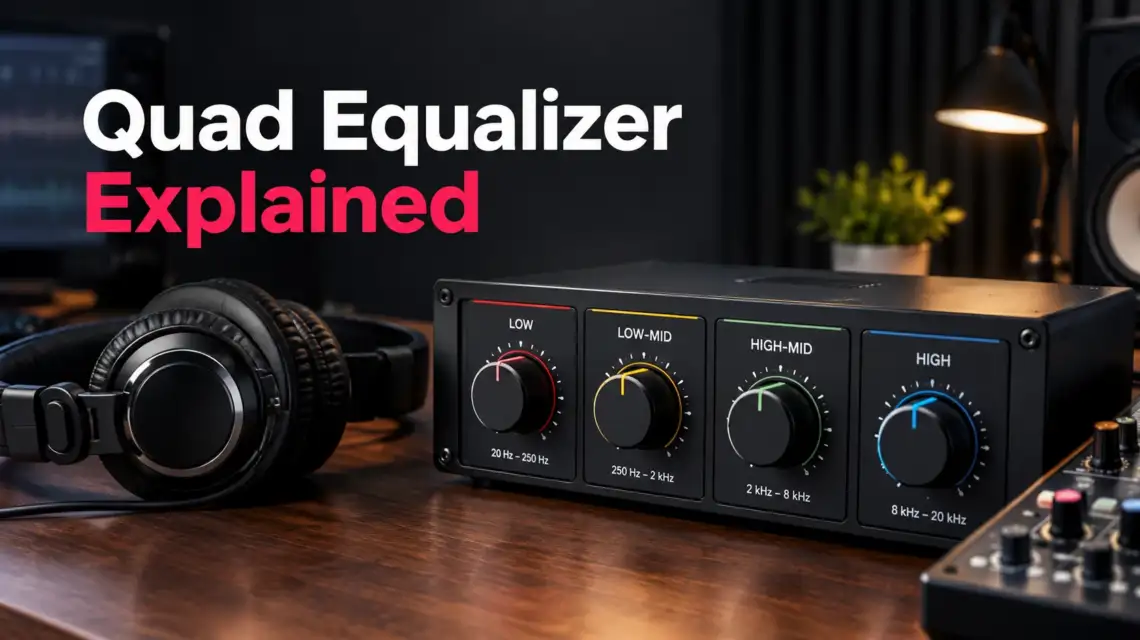
When music feels too bass-heavy, vocals get buried, or your headphones sound harsh, a small EQ adjustment can make a noticeable difference. A quad equalizer is an audio equalizer that gives you four frequency bands to shape different parts of the sound spectrum. Also called a quad EQ or 4-band EQ, it lets you adjust bass, low-mid warmth, vocal presence, and high-frequency detail without changing the whole audio signal at once. The exact controls vary by device, but the goal is simple: improve sound quality by balancing the frequency bands that need more or less energy. For home audio, headphones, car stereos, gaming, or music playback, a quad equalizer offers a straightforward way to fine-tune your sound.
TL;DR: What Is a Quad Equalizer?
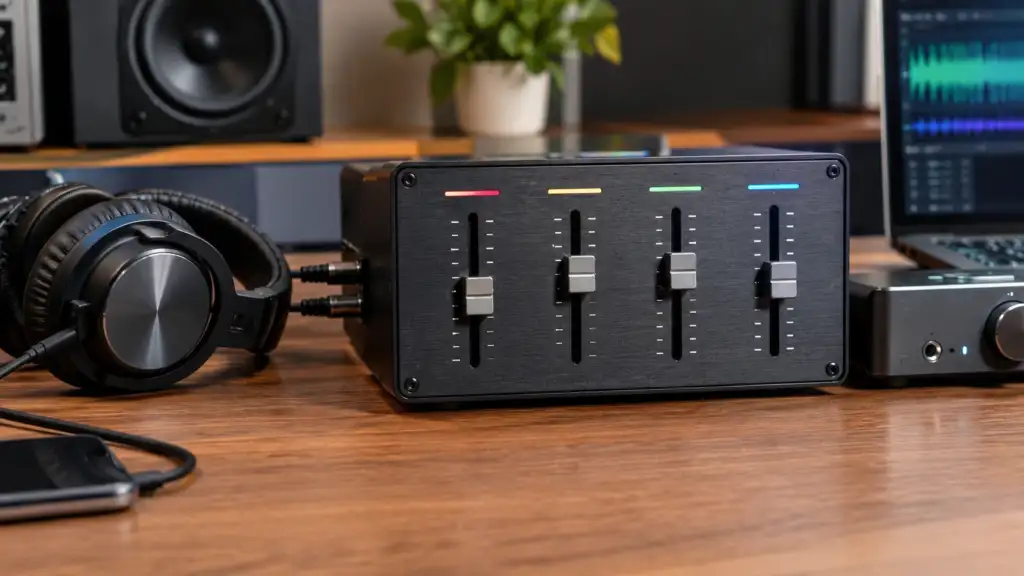
A quad equalizer is a four-band audio EQ that controls different parts of the frequency spectrum. It lets you adjust bass, midrange, and treble by changing gain to boost or cut selected frequencies. Common uses include music playback, headphones, speakers, gaming audio, podcasts, and home audio systems.
What Is a Quad Equalizer?
A quad equalizer is a four-band audio EQ that lets you adjust separate parts of an audio signal across the frequency spectrum. In simple terms, a quad EQ gives you four areas of frequency control so you can shape bass, midrange, and treble for a more balanced sound.
The word “quad” simply means four. A 4 band equalizer or four band equalizer divides sound into four adjustable sections, with each section affecting a different part of the frequency response. Depending on the equipment, those sections may cover low, low-mid, high-mid, and high frequencies.
So, what does a quad equalizer do? It lets you change the gain of selected frequencies by boosting or cutting them. That gives you more control than basic bass and treble controls, which usually offer only two broad adjustments. A quad equalizer can help correct a boomy low end, muddy midrange, weak vocals, or overly bright treble while shaping the tonal balance to suit your music, headphones, speakers, or other audio setup.
What Do the Four Bands on a Quad Equalizer Control?
A quad equalizer typically divides the audio spectrum into four broad areas: low, low-mid, high-mid, and high. Each band affects a different part of the frequency range, giving you more control over bass, midrange, treble, and the small details that shape sound balance. The exact frequency ranges vary by EQ or device, so these labels should be treated as general guides rather than fixed limits.
| EQ Band | What It Affects | Common Problem |
| Low | Bass and weight | Boomy sound |
| Low-mid | Warmth and body | Muddy sound |
| High-mid | Presence and clarity | Harshness |
| High | Brightness and detail | Excessive sharpness |
Low: The low band handles the deeper part of the audio signal. Raising it can add bass and weight, while cutting it can help when music or speakers sound boomy or overly heavy.
Low-mid: Low-mid frequencies add warmth and body to voices, instruments, and music. Too much energy here can make a mix feel muddy or crowded, especially when several sounds overlap.
High-mid: This area contributes to presence, vocal clarity, and the definition of many instruments. A small adjustment can bring vocals forward, but too much can make voices or instruments sound harsh.
High: The high band affects treble, brightness, and fine detail. More high-frequency energy can make audio feel crisp and open, while too much may produce an overly sharp or tiring sound.
The four bands work together rather than independently. A small cut in one area can sometimes improve clarity more than adding gain elsewhere. That’s why listening to the complete sound is more useful than chasing a fixed setting.
How Does a Quad Equalizer Work?
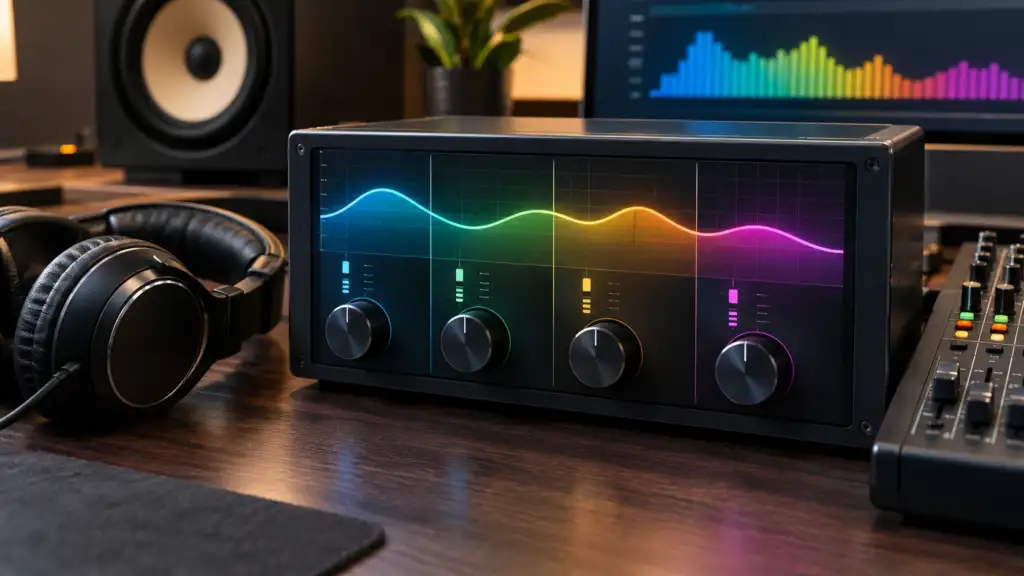
A quad equalizer works by changing the level, or gain, of selected parts of an audio signal before that signal reaches your speakers or headphones. The basic path is simple: audio source → EQ → speakers or headphones. The EQ changes the frequency response so certain parts of the sound become stronger or softer.
A boost increases a selected frequency range. For example, adding gain to the low band can make bass sound fuller. A cut reduces a selected frequency range, which can help tame excessive bass, muddy midrange, or sharp treble. With a flat EQ, no frequency band is deliberately boosted or cut, giving you a neutral starting point.
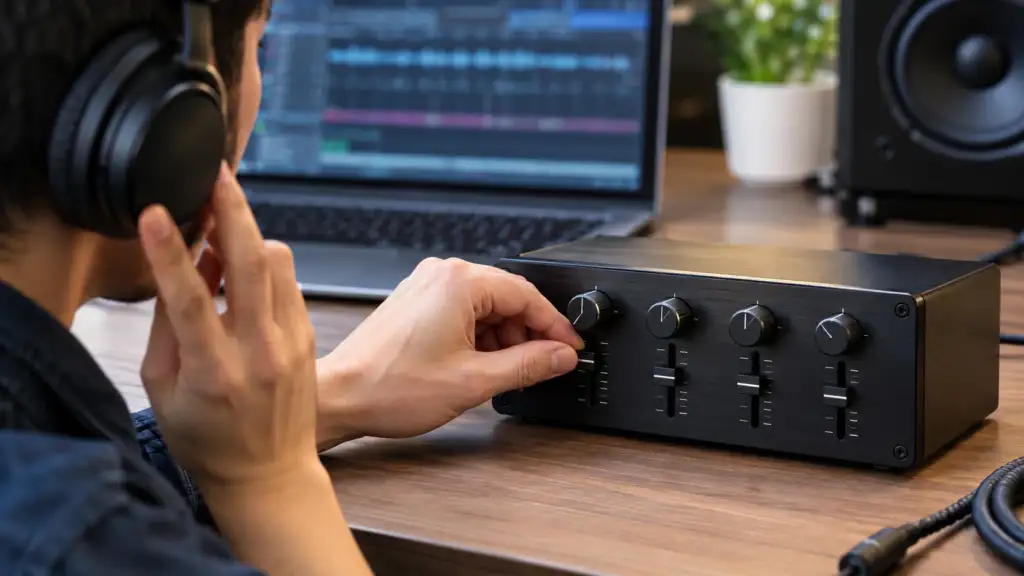
So, how does a quad equalizer work in practice? Start flat, listen for a specific problem, make a small EQ adjustment, and compare it with the original sound. When learning how to use or adjust a quad equalizer, small changes are usually easier to judge than large boosts or cuts.
How to Set a Quad Equalizer for Better Sound
Setting a quad equalizer is easier when you treat each change as a small audio adjustment rather than trying to create a perfect preset. Use these five steps to improve sound quality and find a more natural tonal balance.
1. Start With a Flat EQ
Set all four bands to their neutral position. Don’t boost every band at once, since adding gain everywhere can make the sound louder without making it better.
2. Identify the Problem
Listen first. Is the sound boomy, muddy, thin, harsh, or dull? Identify the main issue before changing your EQ settings.
3. Adjust One Band at a Time
Change the band most closely related to the problem. For example, reduce the low band if the bass feels too heavy. Avoid changing all four controls together.
4. Make Small Changes
Use a gentle boost or cut and listen again. Extreme adjustments can create an unnatural tonal balance or introduce other sound problems.
5. Compare With EQ Off
Switch the EQ off and compare the original sound with your adjusted version. If the change sounds clearer, more balanced, or more enjoyable, keep it. If not, return toward flat and try a smaller adjustment.
Quad Equalizer Settings for Music, Headphones, Speakers & Gaming
The best quad equalizer settings depend on what you are listening to and the equipment in your setup. A setting that sounds good on headphones may feel too bass-heavy on speakers, while gaming audio may benefit from a different balance.
| Use Case | Main Goal | What to Check |
| Music | Balanced sound | Bass and vocal clarity |
| Headphones | Better tonal balance | Excessive bass/highs |
| Speakers | Cleaner playback | Boominess and room effects |
| Gaming | Clear details | Dialogue and positional sounds |
| Podcasts | Speech clarity | Mids and harsh highs |
For music, a quad equalizer for music can help balance bass and vocal clarity without making either one overpower the other. With a quad equalizer for headphones, listen for excessive bass or sharp highs that may affect comfort. A quad equalizer for speakers can help with boominess caused by the speakers or room. For gaming, focus on clear dialogue and positional sounds rather than simply adding bass.
There is no universal best quad equalizer setting. Headphones, speakers, room acoustics, audio recordings, and personal preference all affect the result. Start with a flat EQ and make small changes based on what you actually hear.
Quad Equalizer vs. 4-Band EQ: Are They the Same?
In many audio settings, quad equalizer vs 4 band EQ is really a difference in wording rather than function. A 4-band EQ, also called a four-band equalizer or four-band EQ, specifically describes an equalizer with four adjustable frequency bands. The term quad EQ is often used for the same type of audio control, especially when discussing basic sound shaping. But “quad equalizer” can be broader depending on the equipment or context, since “quad” may refer to four processing channels rather than four frequency bands. So, if a device is described as a 4-band EQ, you can generally expect four frequency controls. With “quad equalizer,” check the device specifications to see exactly what the four controls or channels represent.
Does “Quad Equalizer” Always Mean an Audio EQ?
No. In electronics, quad equalizer can also describe a four-channel signal equalizer used to condition high-speed data signals rather than adjust music or tone. In this context, “quad” refers to four channels, while the equalizer compensates for signal loss or distortion over a transmission path. A DisplayPort equalizer is one example of this usage, including devices described as DisplayPort quad equalizers. You may also see terms such as four channel equalizer, four channel EQ, signal equalizer, or high-speed equalizer. For everyday music and home audio, though, quad equalizer usually refers to a four-band audio EQ.
Common Quad Equalizer Mistakes to Avoid
A quad equalizer can improve sound balance, but a few common habits can hurt audio quality instead. Avoid these mistakes when adjusting your EQ:
- Boosting every band: Raising all four bands can increase loudness without improving the sound.
- Making large EQ changes: Heavy boosts or cuts may create distortion, excessive bass, or harsh sound.
- Changing several bands at once: You may not know which adjustment caused the change.
- Copying someone else’s exact preset: EQ depends on frequency response, headphones, speakers, and personal preference.
- Ignoring room acoustics: Speaker placement and room reflections can affect what you hear.
- Skipping the EQ on/off comparison: Always compare your changes with the original signal.
- Confusing EQ with volume: EQ changes frequency balance; volume changes overall loudness.
Quad Equalizer vs. Other EQ Types
A quad equalizer sits between basic tone controls and more detailed EQ systems. The main difference is how much control you get over the frequency response.
| EQ Type | Control Level | Best For |
| Bass/Treble | Basic | Quick adjustments |
| 4-band EQ | Moderate | Everyday tone shaping |
| 10-band EQ | Detailed | More frequency control |
| Parametric EQ | Advanced | Precise adjustments |
A quad EQ vs graphic EQ comparison usually comes down to the number of adjustable bands and how they are presented. A 10-band graphic equalizer gives finer control than a 4-band EQ, while a parametric equalizer offers more precise control over frequency and bandwidth. So, 4-band EQ vs 10-band EQ favors simplicity versus finer adjustments, while quad EQ vs parametric EQ is mainly about basic tone shaping versus detailed control.
Frequently Asked Questions About Quad Equalizers
What is a quad equalizer?
A quad equalizer is a four-band audio EQ that lets you boost or cut selected parts of the frequency spectrum, helping shape bass, midrange, treble, and overall sound balance.
What are the four bands on a quad equalizer?
The four bands are commonly low, low-mid, high-mid, and high. Exact frequency ranges vary between EQs, so the controls may differ from one device to another.
Is a quad equalizer the same as a 4-band EQ?
In common audio usage, yes. Quad equalizer and 4-band EQ often describe an equalizer with four adjustable frequency bands, although “quad” can have other technical meanings.
How do you set a quad equalizer?
Start with a flat EQ, identify a specific sound problem, make a small adjustment to one band, then compare the result with EQ turned off.
What are the best quad equalizer settings for music?
There is no universal preset. The best quad equalizer settings for music depend on the recording, headphones or speakers, room, and your preferred sound balance.
Can you use a quad equalizer for headphones and speakers?
Yes. A quad equalizer works with both, but settings can differ because headphones, speakers, placement, room acoustics, and frequency response all affect the sound.
Final Takeaway
A quad equalizer gives you four areas of audio control, commonly covering low, low-mid, high-mid, and high frequencies. Use small adjustments and focus on the actual sound problem rather than boosting everything. There is no universal preset that works for every listener, recording, headphone, or speaker. Exact frequency ranges and controls depend on the specific EQ, so let your ears guide each adjustment.



One thought on “Quad Equalizer: What It Is, How It Works & How to Use It”